Accessibility at Fresno State
Digital Accessibility Resources

What is Digital Accessibility?
Digital accessibility means making sure information and communication technology (ICT) works for everyone, including people with disabilities. ICT covers websites, online documents, social media, mobile apps, and even kiosks.
When we design digital content with accessibility in mind, we remove barriers that might prevent someone from reading, hearing, navigating, or interacting with it.
At Fresno State, focusing on digital accessibility helps create an inclusive campus by:
- Designing web pages that follow accessibility standards.
- Creating documents (Word, PDF, Google Docs/Slides) with clear structure and alt text.
- Ensuring new technology purchases meet accessibility requirements.
- Making mobile and online tools usable with assistive technology.
In short: digital accessibility ensures every Bulldog has equal access to information and services.
What is Document Accessibility?
Document accessibility means creating digital files, like Word docs, PDFs, or Google Slides—that can be easily read, navigated, and understood by everyone, including people with visual, auditory, cognitive, or physical disabilities.
When is a Document Considered Digital Content?
A document becomes digital content once it’s shared electronically—whether uploaded to a website (internet or intranet) or emailed to staff, students, or the public. At that point, accessibility standards apply. Under the Rehabilitation Act of 1973 and Section 508, all digital content must provide equal access for all users.
Digital Accessibility Training Resources
Digital accessibility covers many areas of the digital world, and each requires its own approach to ensure inclusivity. The Office of Digital Accessibility (ODA) provides training materials, guides, and tools to help you make sure your content meets accessibility standards.
This is an ongoing effort, and new resources will be added regularly. If you don’t see what you need, please reach out, we’re here to support you.
Bookmark this page and check back often for updates.
Training Videos Created by ODA
We’ve developed a series of videos to guide you through common accessibility questions and workflows.
Document or Webpage?
Not sure whether your content should be shared as a document or built as a webpage? We created a short video to help you decide which format works best for accessibility and user experience.
Topics Covered
- Google Workspace
- Microsoft Word
- Adobe Pro
- Adobe Indesign
- And more!
CSU Digital Accessibility Resources
More Coming Soon!
Non-CSU or Fresno State Rersouces
The links provides below is a list of free document accessibility training programs, guides, and checklists.
Department Of Homeland Security (DHS)
Acrobat Accessibility Guides
W3C Web Accessibility Initiative (WAI)
Book Recommendations
These books are all available at the Fresno State library.
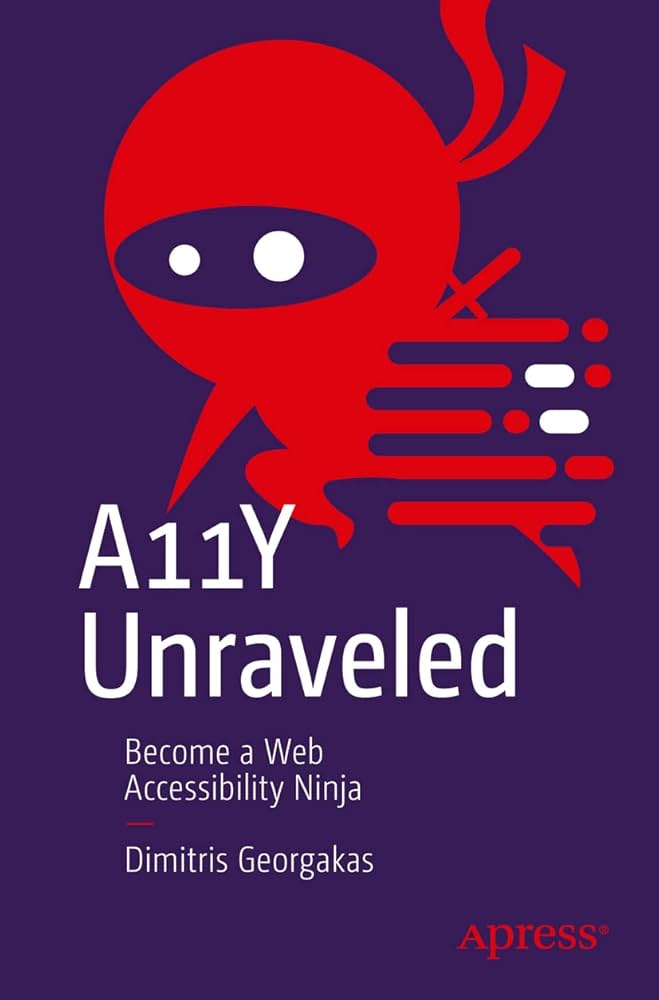
Become a Web Accessibility Ninja
Author: Dimitris Georgakas
ISBN-10: 1484290844
ISBN-13: 978-1484290842
Synapsis: "Make designing and developing accessible websites fun and straightforward by deciphering information that is often confusing. This book examines how web professionals can ensure a website is as accessible as it can be, meeting the needs of its audience."
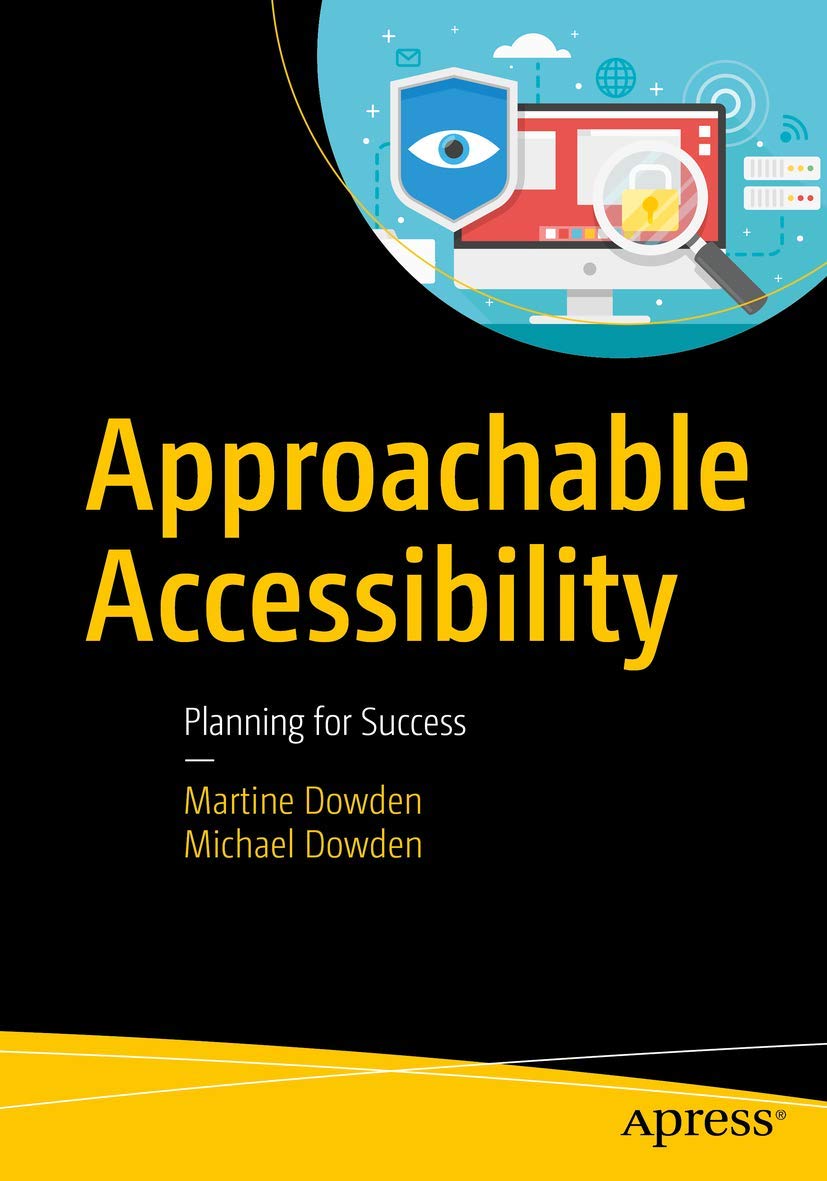
Planning for Success
Author: Martine Dowden and Michael Dowden
ISBN-10: 1484248805
ISBN-13: 978-1484248805
Synapsis: "This book makes the topic of web accessibility as approachable as possible to help every web professional become an accessibility advocate at their companies, on their projects, and in their communities. This discussion will go beyond the buzzword to explore the impact our designs and decisions have on real people, along with the ethical, legal, and financial incentives for accessibility prioritization."
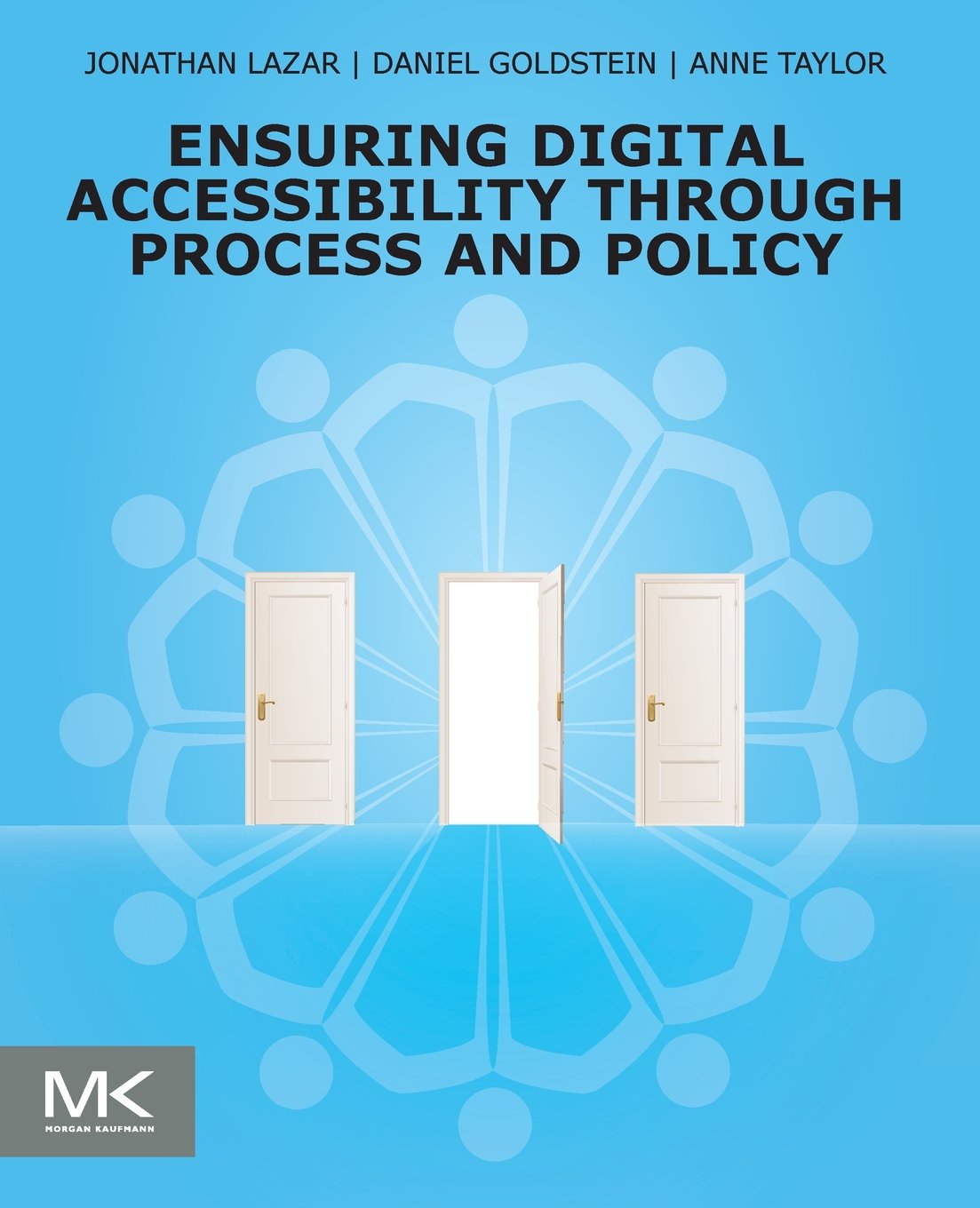
Through Process and Policy
Author: Jonathan Lazar, Daniel Goldstein, and Anne Taylor
ISBN-10: 0128006463
ISBN-13: 978-0128006467
Fun note, the CSU procurement process is highlighted in this book.
Synapsis: "This isn’t a book strictly about interface design, nor is it a book strictly about law. For people who are charged with implementing accessible technology and content, this book will serve as a one-stop guide to understanding digital accessibility, offering an overview of current laws, regulations, technical standards, evaluation techniques, as well as best practices and suggestions for implementing solutions and monitoring for compliance."
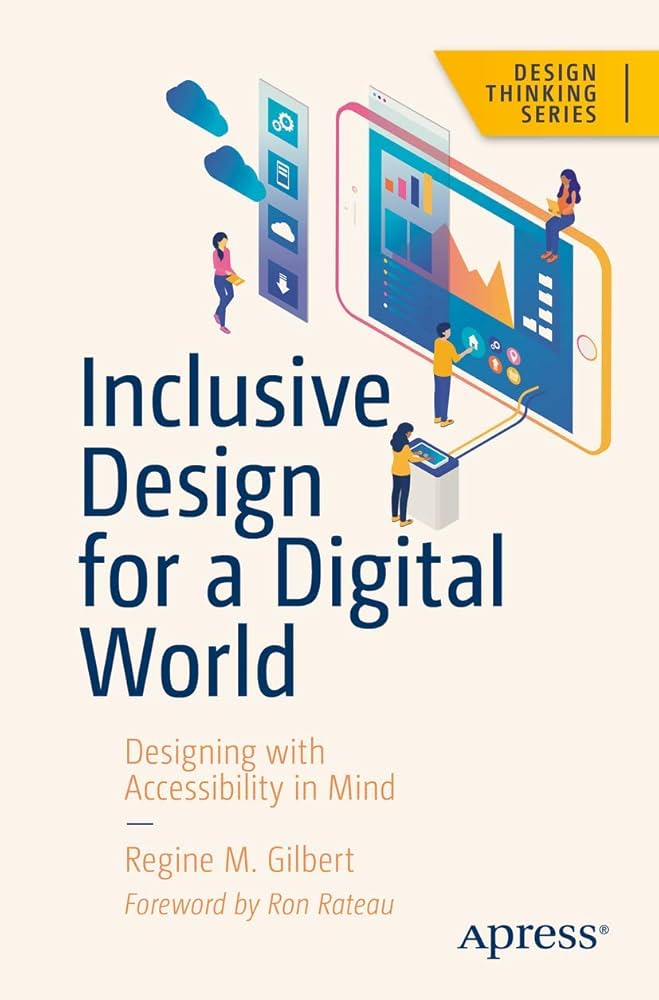
Designing with Accessibility in Mind
Author: Regine M. Gilbert
ISBN-10: 148425015X
ISBN-13: 978-1484250150
Synapsis: "This book addresses a plethora of web accessibility issues that people with disabilities face. Your app might be blocking out an entire sector of the population without you ever intending or realizing it. For example, is your instructional text full of animated words and Emoji icons? This makes it difficult for a user with vision impairment to use an assistive reading device, such as a speech synthesizer, along with your app correctly."